Three-Point Lighting
Watch as an animation →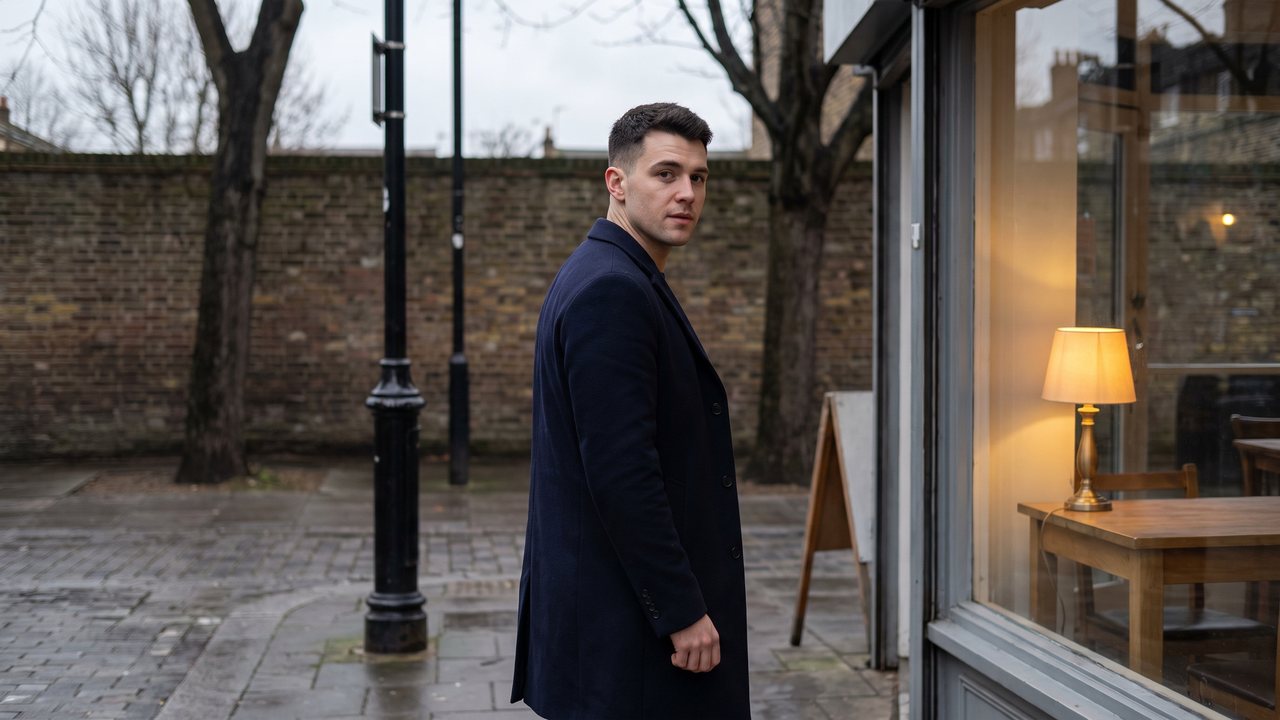
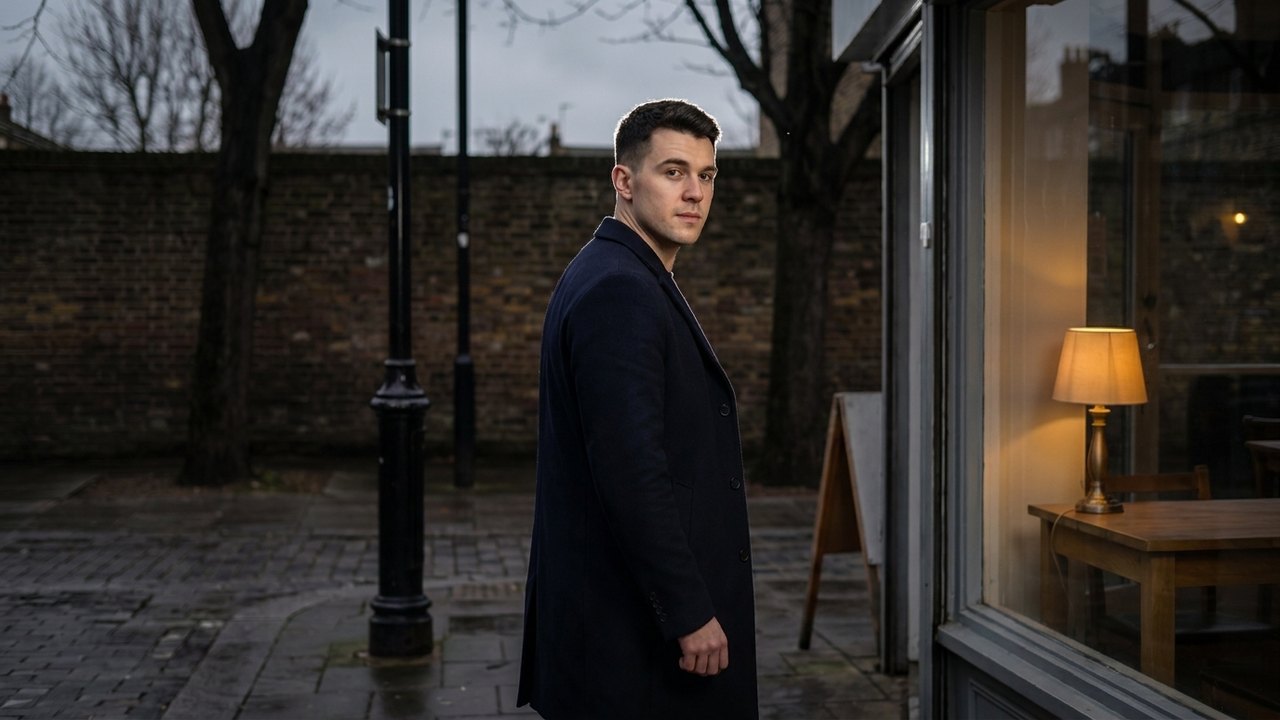
In plain words
Three lights, a key light (main light), a fill light (secondary light) and a backlight (rim light), light the face, soften the shadows and separate the subject from the background for a sense of depth.
When to use it
Basic portrait shots like interviews, product explainers and founder messages; a clean, tidy ad tone.
Example videos
Will AI handle it well?
Public AI example available — The Sora 2 guide has lighting examples that separate key, fill and rim, such as 'warm lamp fill' and 'cool rim'.
One-click prompt
Three-point lighting on a founder speaking to camera, soft key light from camera left, gentle fill light from the right, subtle backlight rim separating her from a dark gray background, clean even skin tones, medium close-up, locked-off camera, 50mm lens, polished professional mood, 6-second shot.
Tell the AI like this
three-point lighting, soft key light from camera left, gentle fill light from the right, subtle backlight separating her from the dark background