부분 컬러
Selective Color
움직이는 그림으로 보기 →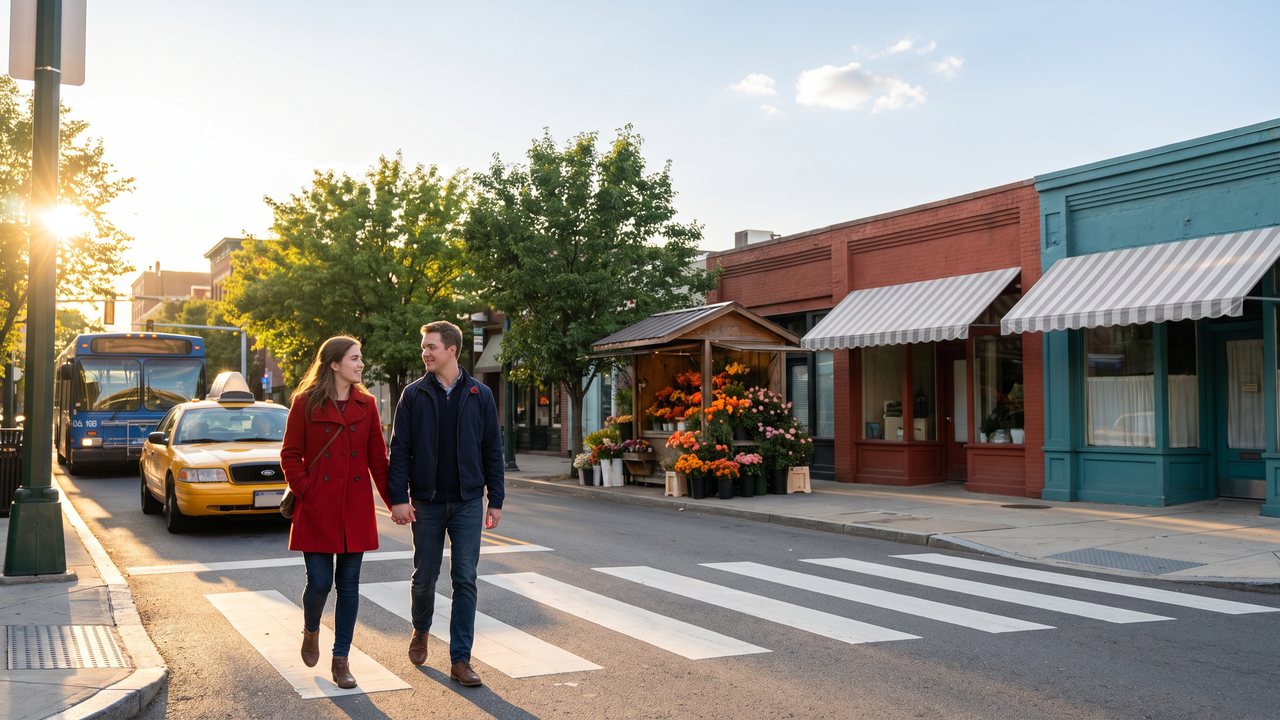
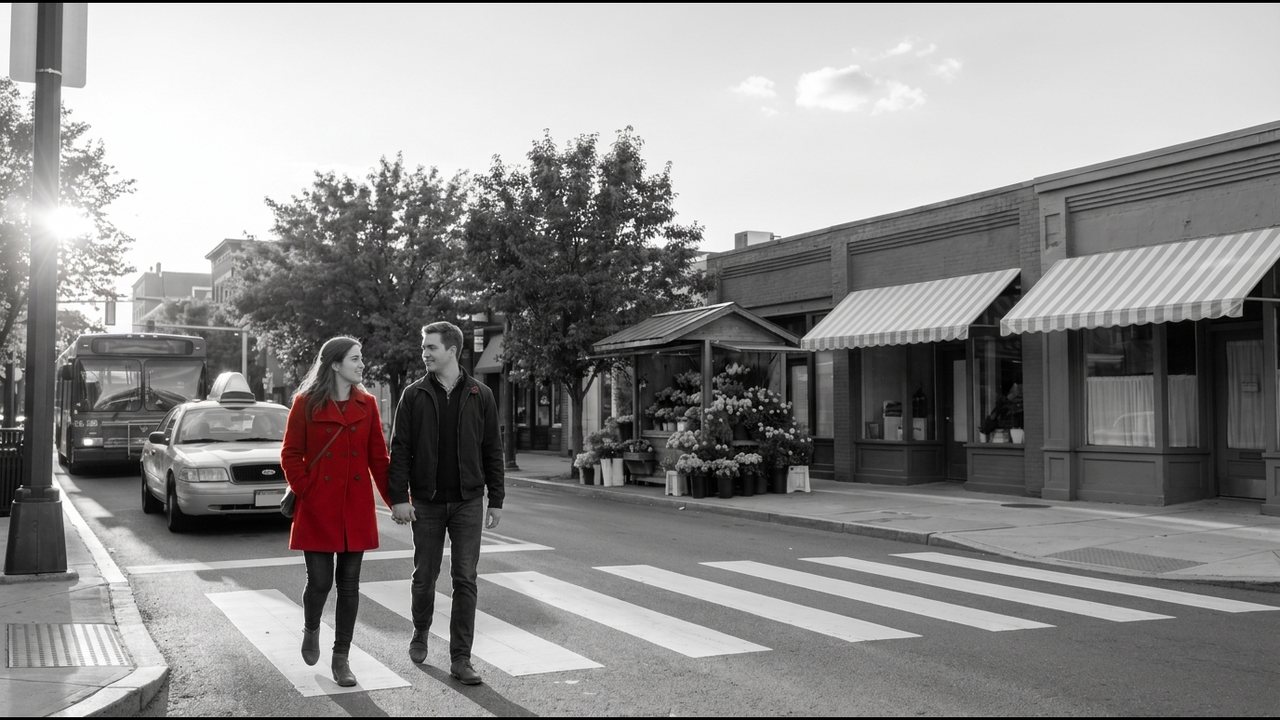
쉽게 말하면
화면을 흑백으로 바꾸고 한 가지 색이나 한 물체만 원래 색으로 남겨 시선을 그곳에 묶는다.
언제 쓰나요
영화에서 상징적인 인물이나 물건을 강조할 때. 제품 광고에서 브랜드 색만 살릴 때. 뮤직비디오와 감성 숏폼.
예시 영상
AI 영상에서는 이렇게
컬러로 생성하고 흑백 처리는 편집에서 한다. 남길 물체는 화면의 다른 곳에 없는 색으로 정한다("a bright red umbrella, everything else in muted grey and blue tones"). 같은 색이 배경에 섞여 있으면 그 부분도 같이 살아난다. DaVinci Resolve에서는 Qualifier로 색을 고르거나 Magic Mask로 물체를 따라가게 한다. CapCut에서도 색 분리 효과를 만들 수 있다. ffmpeg에서는 colorhold=color=red:similarity=0.2:blend=0.1이 빨강 계열만 남기고 나머지를 회색으로 바꾼다.
한 줄 딸깍 프롬프트
Keep only the red in the image and turn everything else gray, for example a red balloon over a gray town: ffmpeg -i in.mp4 -vf "colorhold=color=red:similarity=0.25:blend=0.1" -c:a copy out.mp4. Raise similarity to include more reds, and pick a subject with one clear color for a clean result.
예시 필름
쉰들러 리스트 Schindler's List (1993) — 흑백 영화 속에서 한 소녀를 빨간 코트 색으로 구별했다 · 씬 시티 Sin City (2005) — 대부분을 흑백으로 두고 고른 물체에만 색을 남기거나 더했다
실제 영화·광고에서 보기
Daniel Batal — Make One Object COLORED and the rest Black & White - DaVinci Resolve
AI로 만든 예시
확인 못함