Selective Color
Watch as an animation →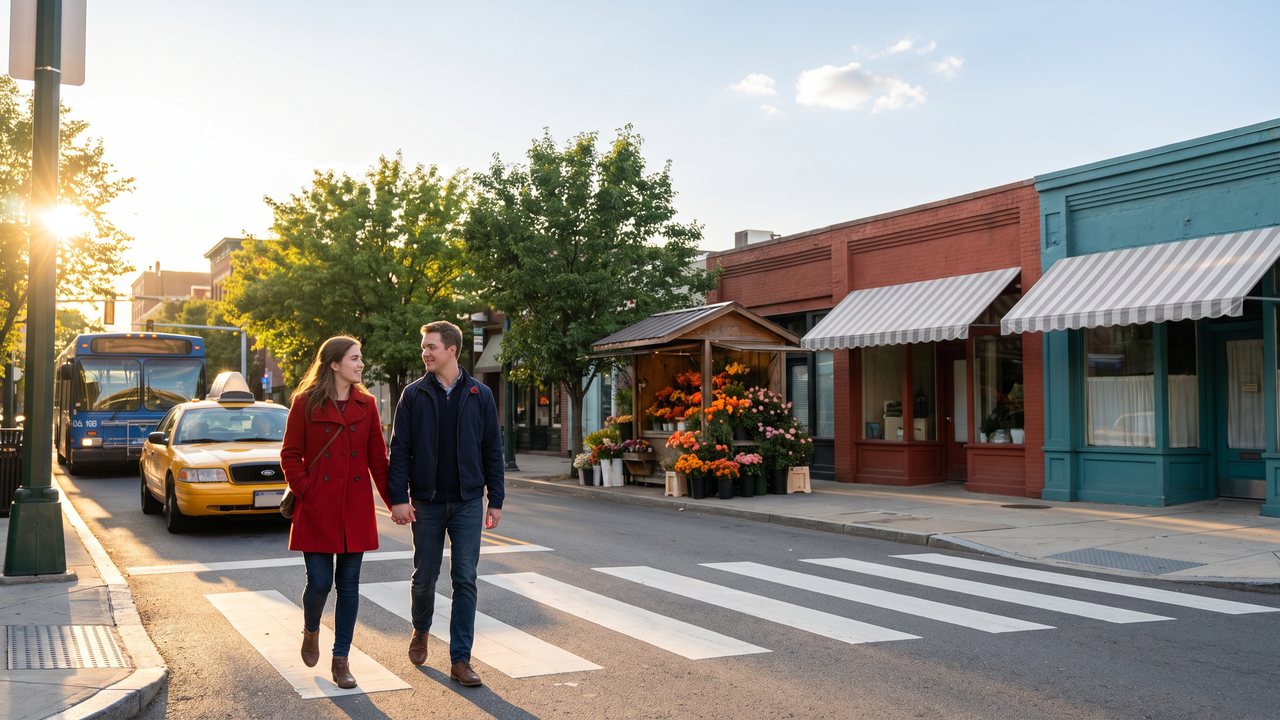
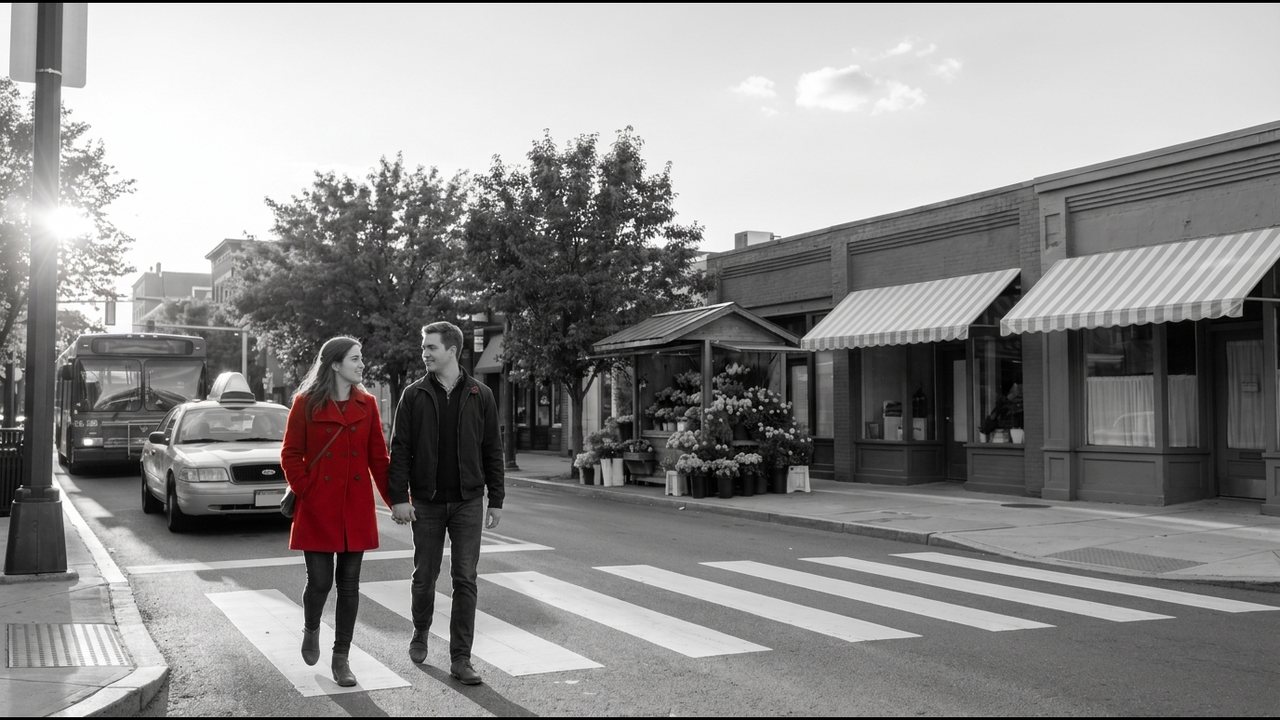
In plain words
Turn the picture black and white and keep only one color or one object in its original color, to hold the viewer's eye there.
When to use it
To emphasize a symbolic character or object in a film. To keep only the brand color in a product ad. Music videos and emotional short-form.
Example videos
In AI video, like this
Generate in color and do the black-and-white in editing. Choose the object you will keep in a color that appears nowhere else in the frame ("a bright red umbrella, everything else in muted grey and blue tones"). If the same color is mixed into the background, that part comes back to life too. In DaVinci Resolve, pick the color with a Qualifier or have Magic Mask track the object. You can also make a color-isolation effect in CapCut. In ffmpeg, colorhold=color=red:similarity=0.2:blend=0.1 keeps only the reds and turns the rest gray.
One-click prompt
Keep only the red in the image and turn everything else gray, for example a red balloon over a gray town: ffmpeg -i in.mp4 -vf "colorhold=color=red:similarity=0.25:blend=0.1" -c:a copy out.mp4. Raise similarity to include more reds, and pick a subject with one clear color for a clean result.
Example films
Schindler's List (1993) — In a black-and-white film, one girl is set apart by the color of her red coat · Sin City (2005) — Most of it is black and white, with color left or added only on chosen objects
See it in real films and ads
Daniel Batal — Make One Object COLORED and the rest Black & White - DaVinci Resolve
AI-made examples
Not verified